 Kakangkung
Tabs you aren’t looking at go to sleep.
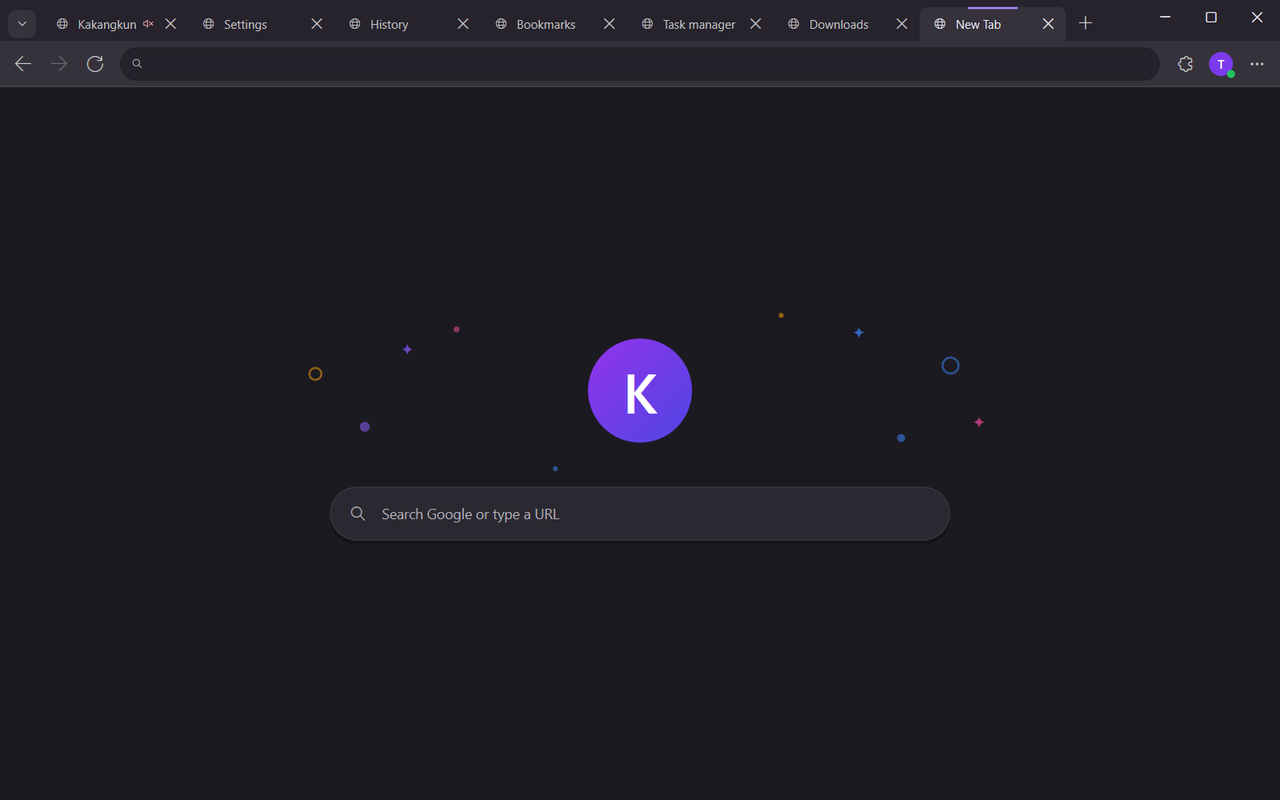
Kakangkung is a light, fast web browser for Windows, written in Rust. It draws its own interface and freezes idle tabs, so the page in front of you gets the memory.
Free and open source (MIT). Windows 10 and 11, x64 and ARM64.
KNew Tab
▶Music
DDocs
NNews
MMaps
SShop
What you get
- Its own interface
- Tab strip, toolbar, menus and every built-in page are drawn with Direct2D. Settings and History run without a page process. Websites render in Microsoft Edge WebView2.
- Memory Saver
- Hidden tabs freeze after a while. Tabs playing sound, in a call or pinned stay awake. The task manager shows what each process uses.
- Tabs that scale
- Groups, pinning, muting, split view, tab search (Ctrl+Shift+A), hover cards and session restore.
- Passwords, sealed by Windows
- Save and fill passwords, protected with your Windows account. Showing or exporting one asks Windows Hello. Passkeys work too.
- Ad blocker, on by default
- EasyList and EasyPrivacy rules, with one-click exceptions per site from the toolbar shield.
- Chrome Web Store extensions
- Add extensions from the store with Add to Kakangkung. Kakangkung shows what an extension can do before it installs.
- PDFs and files in a tab
- Read, search, rotate, print and draw on PDFs. Pictures, video, audio, JSON and text open in a tab too.
- A setting for everything
- Light or dark, animation speed, smooth scrolling, search engine, automatic updates.
Sync through your own Google Drive
Sign in with Google to keep bookmarks, history, open tabs, settings and your extension list the same on every PC. Kakangkung stores this in the hidden app data folder of your Google Drive.
- Kakangkung can only see the files it created there. It cannot see your own Drive files.
- Nothing goes to a Kakangkung server. There isn’t one.
- Passwords are never synced.
- Sign out at any time; Kakangkung deletes its sign-in token and asks Google to revoke it.
Read the privacy policy for exactly what is accessed and why.
Download
Pick the file for your PC on the latest release page.
| Your PC | File |
|---|---|
| Windows 10/11, Intel or AMD (most PCs) | Kakangkung-Setup-<version>-x64.exe |
| Windows 11 on ARM (Snapdragon) | Kakangkung-Setup-<version>-arm64.exe |
| No installation (portable) | Kakangkung-<version>-x64.zip or -arm64.zip |
The installer needs no administrator rights, installs WebView2 if your PC doesn’t have it, and keeps Kakangkung up to date. Each update is checked against its SHA-256 before it installs.
Go to the latest release